
Connecting Kubit to OneDrive
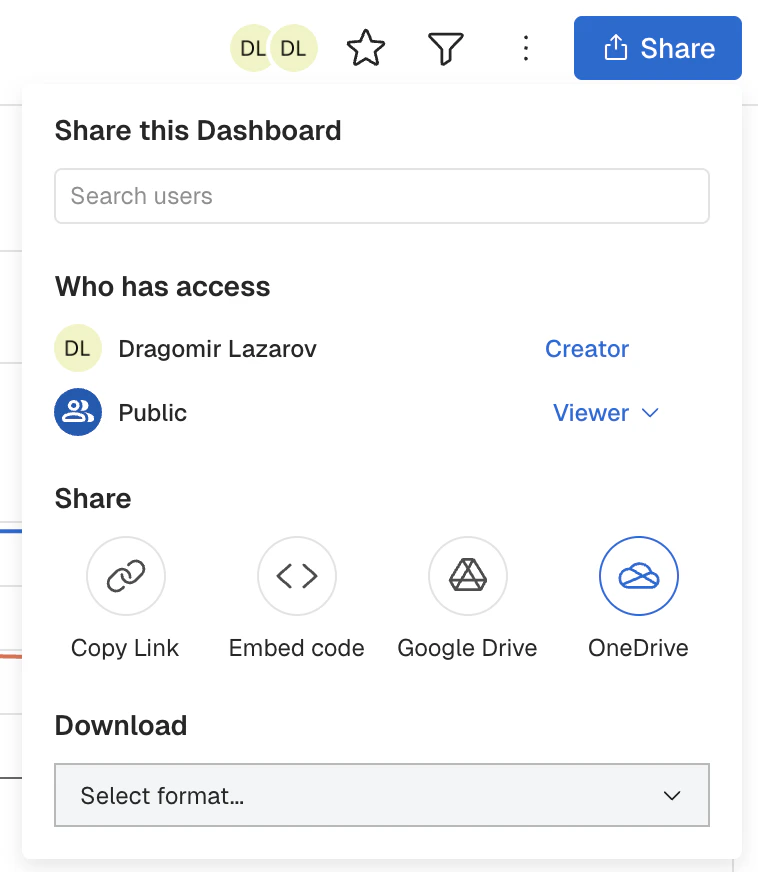
Before you can begin leveraging the ability to download directly into OneDrive, you will need to connect Kubit. Connection can be done two ways:- Via the ‘Share’ button on a Dashboard:
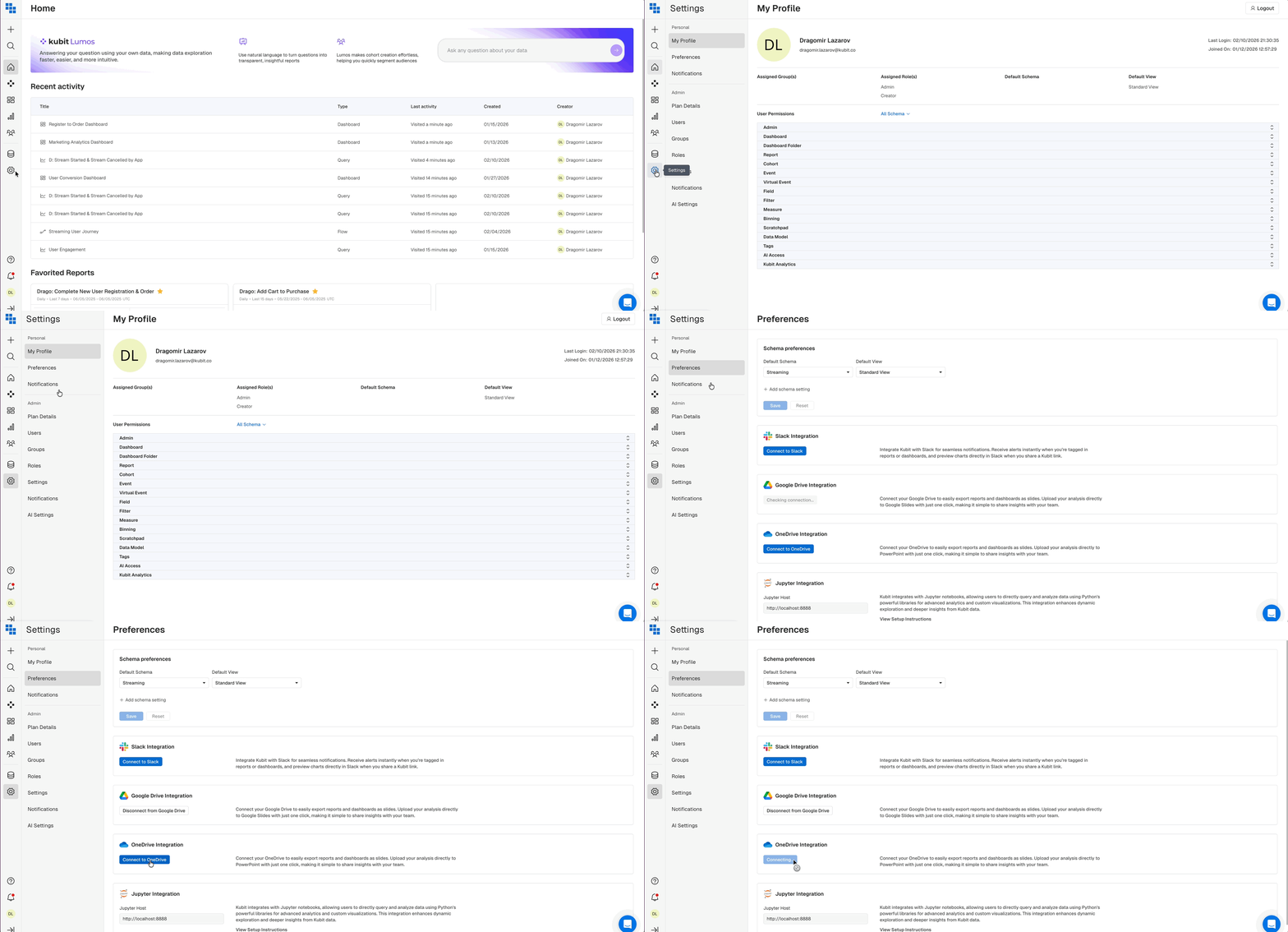
- Via your “Preferences” Settings which can be accessed via the Left Side Navigation:
How do I download a Report from a Dashboard?
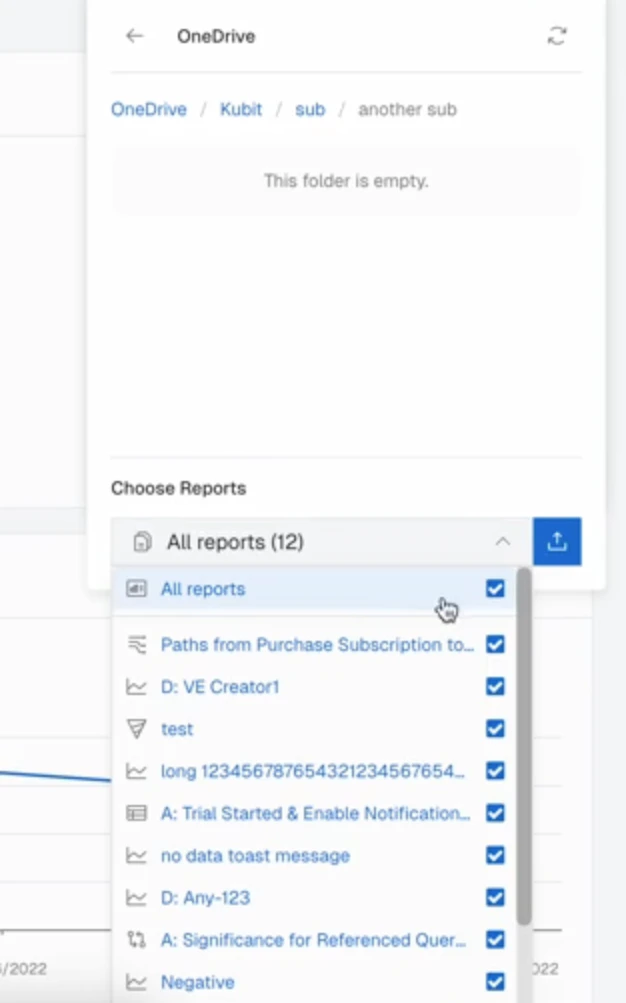
Once you have connected into OneDrive, navigate to a Dashboard and click ‘Share’. You should have an option to Share via OneDrive listed. Click the “OneDrive” option to open the file browser.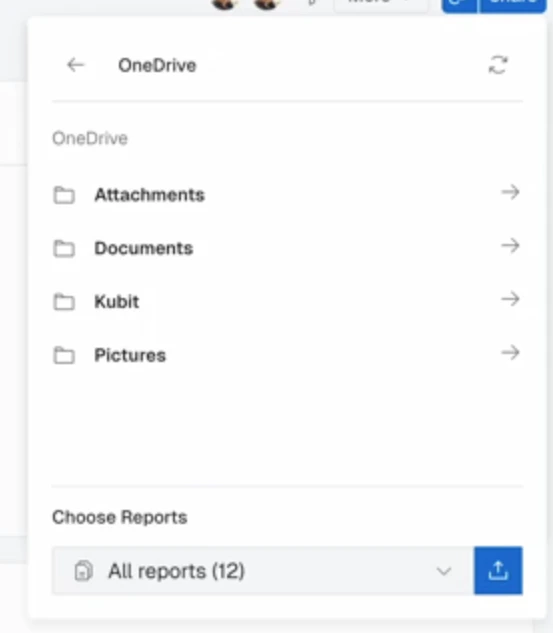
Google Drive Integration Dashboard and Report Commenting