
- Download selected (or all) Reports from a Dashboard into a Google Slides file and individual .png files.
Connecting Kubit to Google Drive
Before you can begin leveraging the ability to download directly into Google Drive, you will need to connect Kubit. Connection can be done two ways:- Via the ‘Share’ button on a Dashboard:
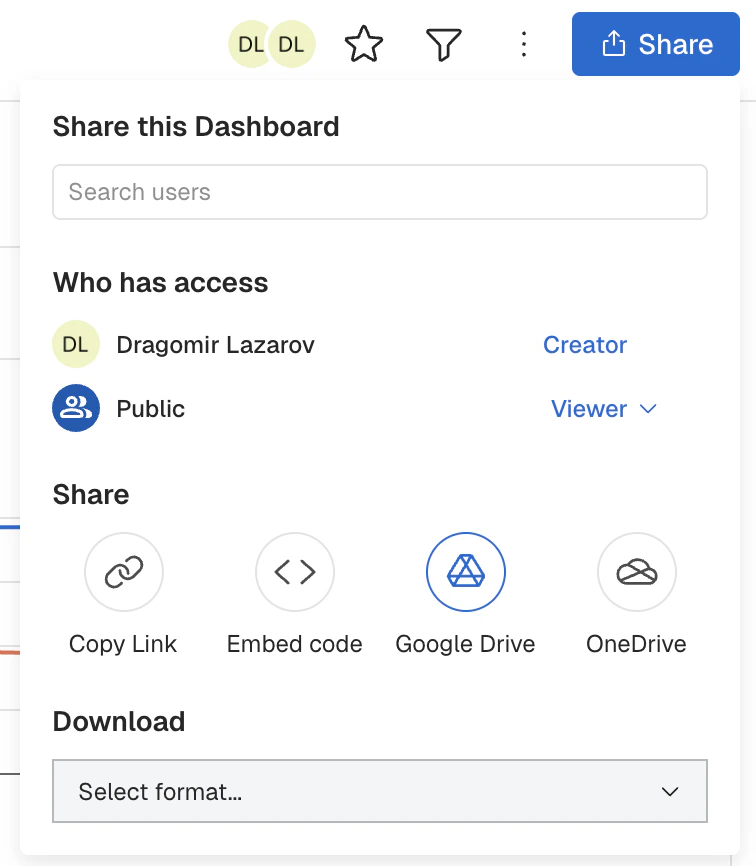
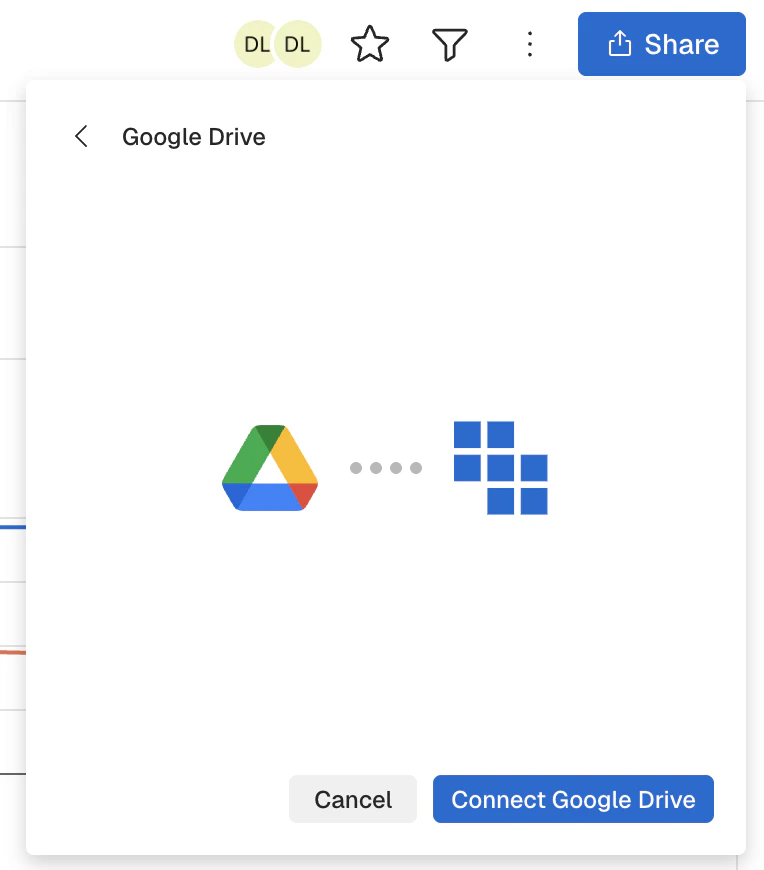
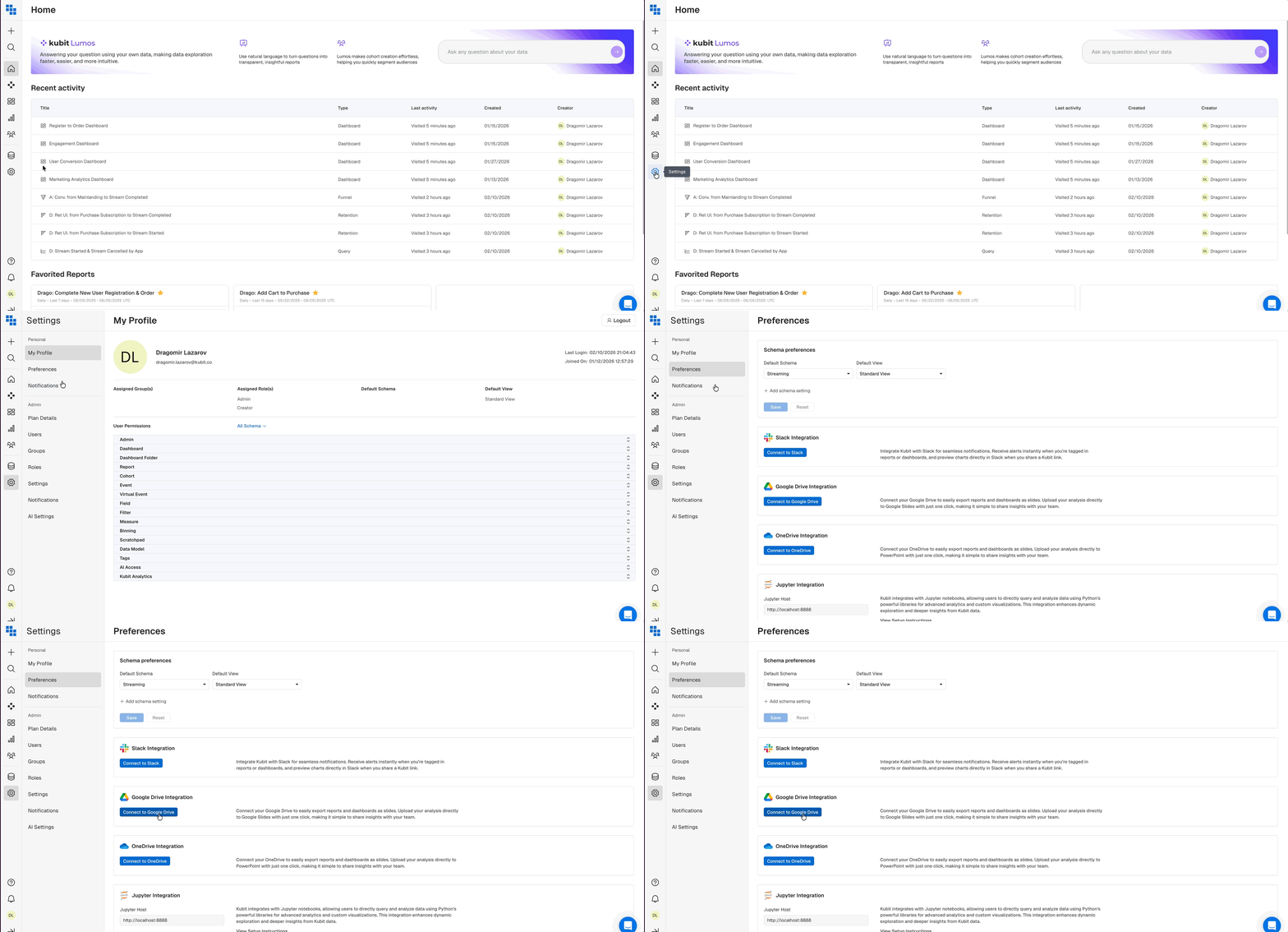
- Via your “Preferences” Settings which can be accessed via the Left Side Navigation:
How do I download a Report from a Dashboard?
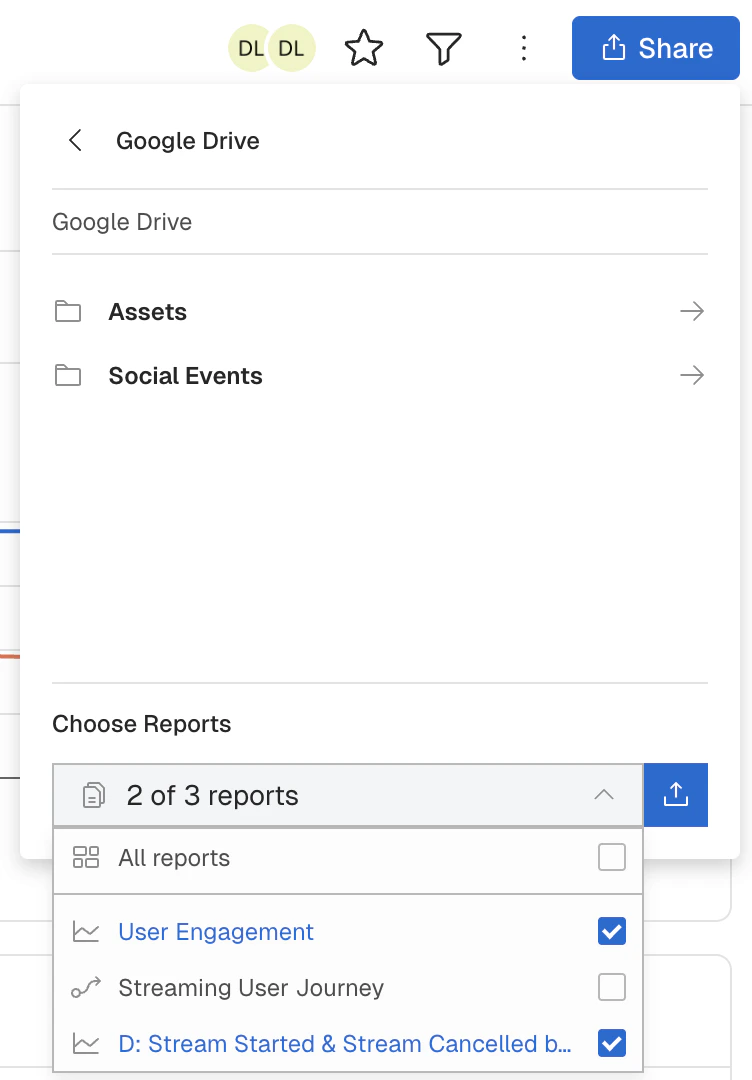
Once you have connected into Google Drive, navigate to a Dashboard and click ‘Share’. You should have an option to Share via Google Drive listed. Click the “Google Drive” option to open the file browser.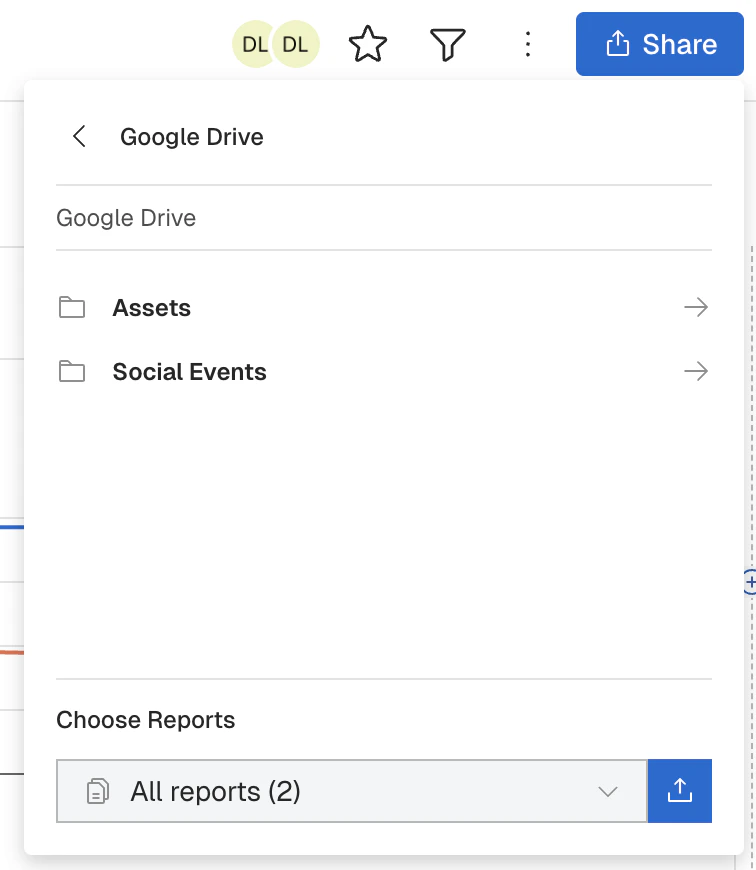
Note
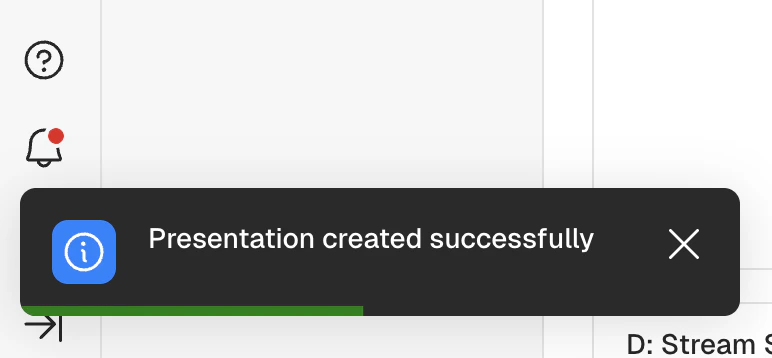
You will receive two versions of a download, Slides files as well as individual .png files.Schedule Report and Dashboard Refresh OneDrive Integration